Do you want to verify what version you have installed? Follow the steps below:
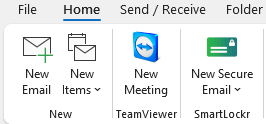
- Open Microsoft Outlook and click on File in the top left corner.
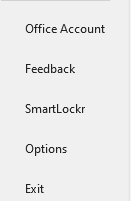
- Click on SmartLockr in the menu on the left-hand side.
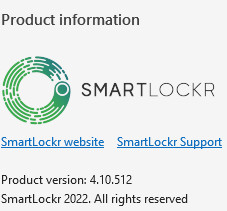
- The Product Version is listed below the header Product Information.
Comments
0 comments
Article is closed for comments.